Employee Productivity Monitoring
Track & monitor how employees are using their time with intelligent Employee Productivity Monitoring software. Enhance team productivity with powerful insights.
Trusted by over most popular companies worldwide


Why Choose FlowMetricsPro to Monitor Your Team?
Gain complete visibility into your team's work hours and activities with FlowMetricsPro’s powerful monitoring software.
Track Time with Screen Recording and Screenshots
Employees, contractors, or freelancers can start their workday by manually clocking in, after which the tool tracks their time and takes random screenshots of their screen for full transparency. You can also record activities with video, but only when the employee manually starts the app, ensuring a clear and open process without any form of covert surveillance.

Monitor the Apps and Websites Used by Your Employees
Employees, contractors, or freelancers can start their workday by manually clocking in, after which the tool tracks their time and takes random screenshots of their screen for full transparency. You can also record activities with video, but only when the employee manually starts the app, ensuring a clear and open process without any form of covert surveillance.


Efficiently Manage and Track Your Projects and Tasks
Forget about juggling multiple platforms for managing your team or freelancers. With FlowMetricsPro, you can easily create, assign, and track tasks, all while monitoring project progress in real-time, remotely. Our platform allows you to measure task completion time, assess team activity, and generate performance reports. Additionally, you can view screenshots and recordings for further verification of work done.
Get Customized Reports and Actionable Insights
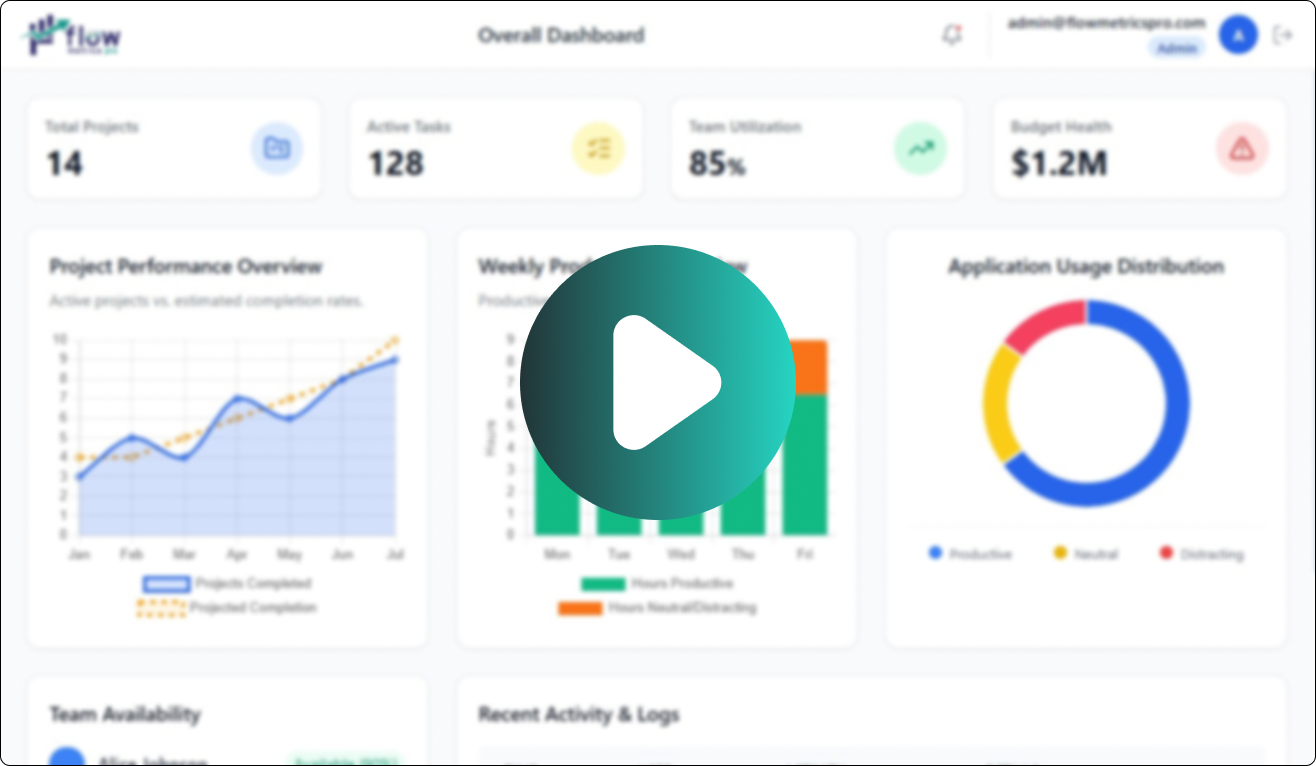
FlowMetricsPro provides managers with the tools they need to thoroughly analyze team output through detailed, insightful reports. Our intuitive dashboard and reporting features offer a clear view of how your employees allocate their time. Easily access and download timesheets, activity reports, productivity data, and screenshots to monitor performance. By leveraging these insights, you can better analyze team performance and optimize work hours to boost operational efficiency.

What FlowMetricsPro Brings to Your Business
Frequently asked questions!
-
1. How does FlowMetricsPro monitor employee productivity in real time?
FlowMetricsPro tracks real-time activity such as keyboard/mouse usage, active applications, websites visited, idle time, and behavior patterns to generate accurate productivity insights. It also provides live dashboards and AI-powered analytics for managers.
-
2. Does FlowMetricsPro take screenshots, and can employees maintain privacy?
Yes. FlowMetricsPro supports automated and intelligent screenshot capture. Privacy is protected with configurable screenshot intervals, optional blurring/redaction, role-based access, and GDPR-friendly modes.
-
3. How does the system determine whether an employee is productive or unproductive?
FlowMetricsPro categorizes applications, websites, and activity patterns into productive, neutral, or distracting categories. This classification, combined with activity levels and AI analysis, creates a daily/weekly/monthly productivity score.
-
4. Can FlowMetricsPro detect identity fraud or fake activity?
Yes. Using AI-based face verification, presence detection, absence alerts, and multiple-face detection, FlowMetricsPro ensures the right employee is working at the right time. The system also logs suspicious file transfers or unusual behavior.
-
5. What kind of reports can managers get from FlowMetricsPro?
Managers can access daily automated summaries, in-depth monthly performance reports, productivity trend analysis, department-level dashboards, anomaly alerts, and downloadable PDF/Excel reports—all generated automatically.
Create stunning websites that fits your needs.

